Driver onboarding
Get road-ready without the guesswork
A guided, secure setup for your identity, licence and vehicles—then everything you need to publish and complete trips.

Driver onboarding
Become a driver in 6 easy steps
Create your account, upload your licence, verify, add your vehicle, and start earning.
Six guided steps
From registration to your first completed trip
Clear checks help protect drivers and customers while keeping onboarding practical.
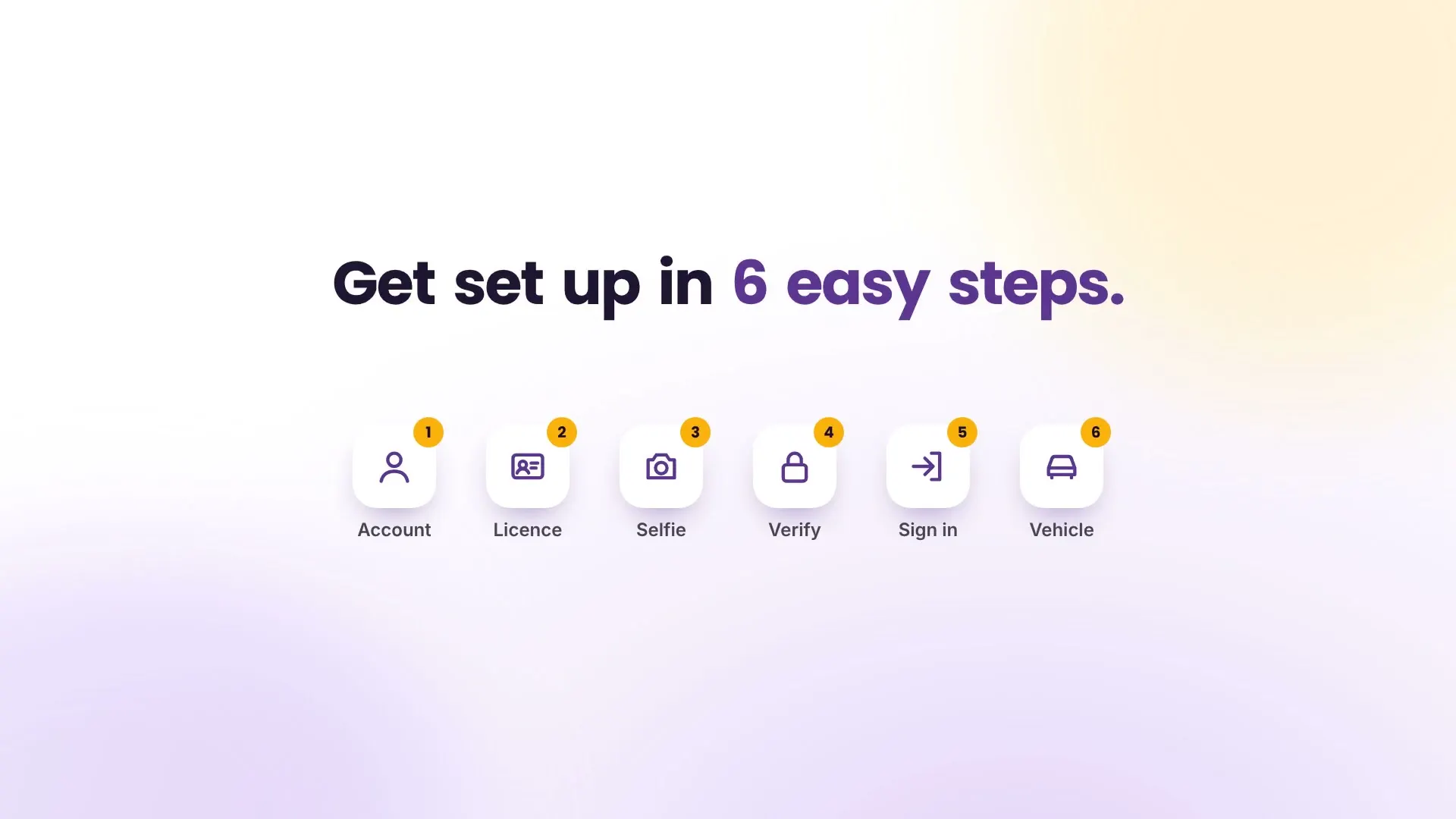
- STEP 01
Download and choose Driver
Install the same HeyGo app and choose Driver. The driver workspace keeps rides, bookings, vehicles and account tools together.
- STEP 02
Enter your contact details
Add your name, mobile number and email. HeyGo sends a 6-digit OTP by supported delivery channels to verify the account.
- STEP 03
Add licence and profile selfie
Upload a clear driving licence image for review and take a profile selfie so customers know who is arriving.
- STEP 04
Register your vehicle
Add passenger cars, goods vehicles or ambulances with registration, model, photo, seats or load capacity. Add more than one vehicle when needed.
- STEP 05
Publish a ride or availability
Select the vehicle, pickup, destination, date, time, price and available seats or trip cost. Edit details before the first booking.
- STEP 06
Manage the trip safely
Accept a booking, mark arrival, start navigation and live location, contact the customer and complete the trip in the app.
Flexible
Manage multiple vehicles and publish passenger, goods or ambulance availability.
Protected
OTP verification, licence review, profile selfie and recorded booking states support trust.
Driver-friendly
Built-in navigation, calls, chat, status controls and foreground live location keep work together.
Ready to drive with HeyGo?
Prepare your licence and vehicle details, then follow the guided registration in the app or browser.
Already registered? Customer sign in · Driver sign in