
Android · free to install
Download HeyGo
One app for shared rides, private cabs, car and truck rentals, goods transport and ambulances. Scan the code with your phone camera, or tap the button — both open the official Google Play listing.
On an iPhone or a laptop? The HeyGo web platform does everything the app does, with no install.
Scan to install
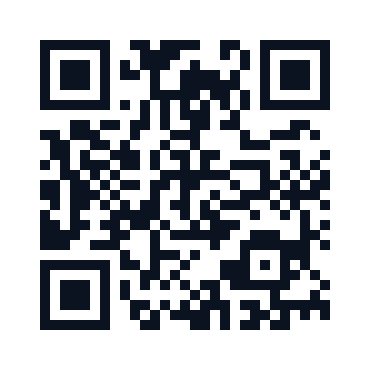
Opens Google Play
Open your phone camera, hold it over the code and tap the link. It goes straight to the HeyGo listing — no extra step.
Three steps
From the code to your first trip
Installing HeyGo takes about a minute on any Android phone.
Scan or tap
Point your phone camera at the QR code, or tap the Google Play button on this page.
Install HeyGo
Google Play opens on the official HeyGo listing. Install it like any other app.
Choose your role
Open HeyGo and pick Customer or Driver. Verify your number once and you are ready to book or drive.
For posters, flyers and stalls
Print kit
These files encode heygo.in/download — this page. Printed codes always point here and never at a store listing, so the destination can move without reprinting anything. Do not print the code at the top of this page: that one is a shortcut for people reading on a laptop.
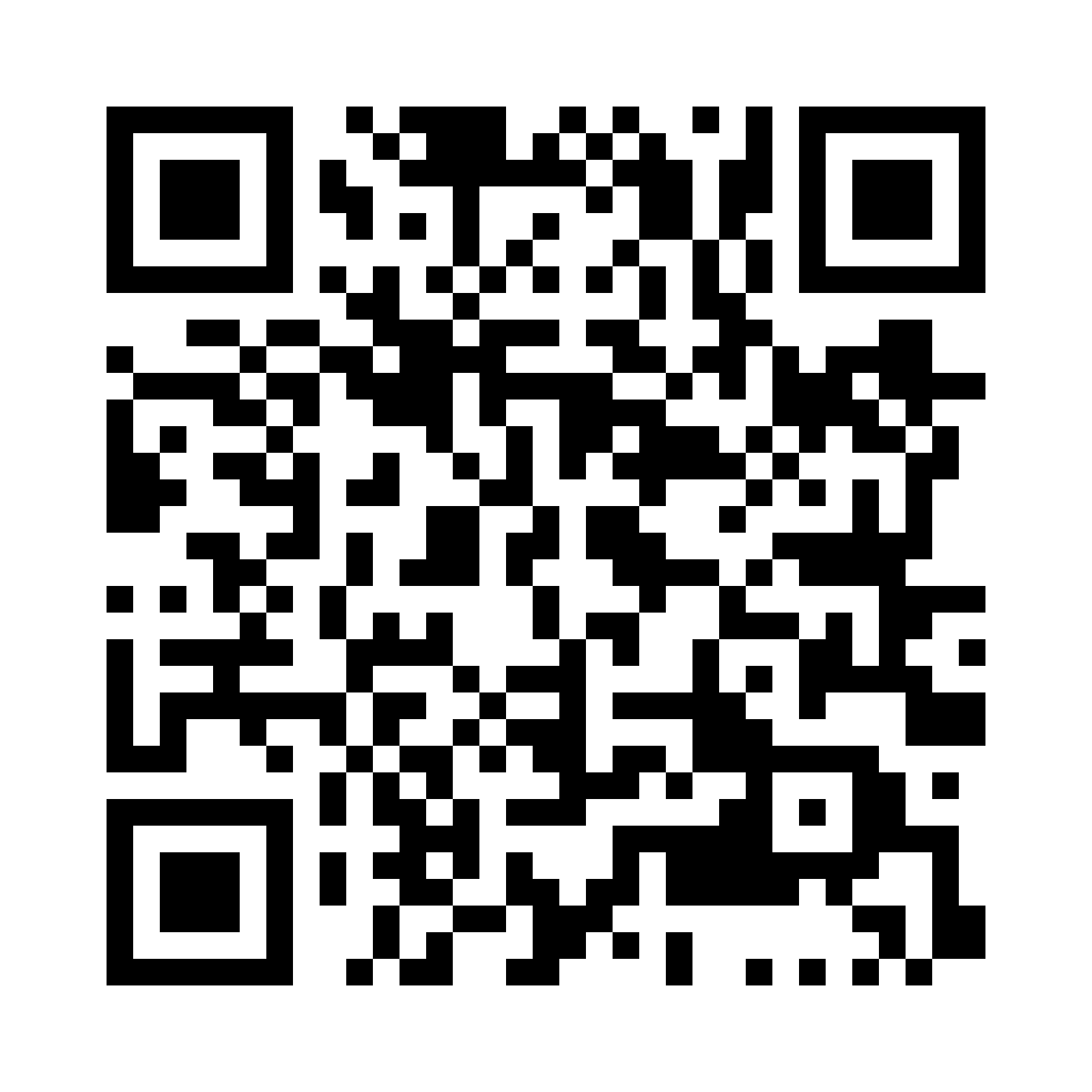
QR code · PNG
Pure black on white, 1640 px square. Hand this to a printer for posters and banners.
Download PNG
QR code · SVG
Vector, so it stays sharp at any size — from a visiting card to a hoarding.
Download SVGPrinting notes
- Print the code at 3 cm or larger for a handout, and roughly a tenth of the scanning distance for posters — a code read from 2 m needs about 20 cm.
- Keep the white margin around the code. Nothing — no border, no logo, no text — inside it.
- Always print heygo.in/download in readable text under the code, so the poster still works if the code will not scan.
- Short links for SMS and WhatsApp: heygo.in/get skips this page and opens the store directly.